
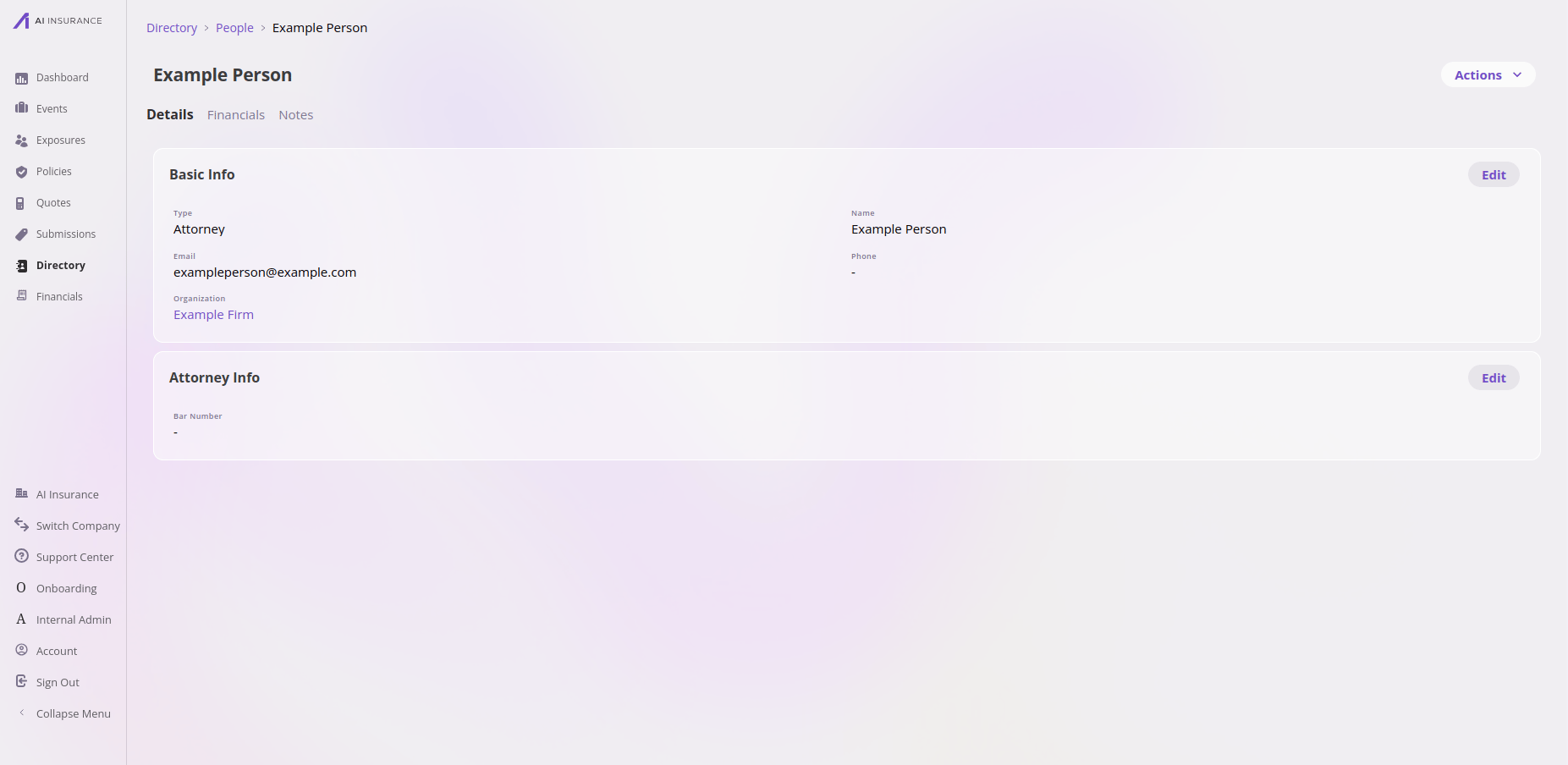
A person in the app — the Attorney type adds an Attorney Info card on top of the baseline fields, and the person is linked to an organization.
Working in the app? See the Directory and contacts feature reference for people, organizations, and the Contacts tab.
How its data works
A person is a set of fields configured per company. Every person has a name, and can also have a type (optional for people — see below). Types are configured per company, and you can create any number of them. Out of the box the directory ships with person types like attorney, broker, and other, but your company defines its own list. Every person has a baseline set of fields (name, organization, and any others your company configures); the type then adds type-specific fields on top — an attorney surfaces attorney details, a broker surfaces broker details.In the app, creating a person makes you pick a type. The Create Person
button opens a menu of your configured person types (for example Attorney,
Broker, Other); you choose one, and it’s filled in and locked on the create
form. Other is the catch-all when no specific type fits — so every person created
through the app ends up with a type.Underneath, the type is actually optional: a person can have no type at all
(for example, one created directly through the API), in which case they simply show
the baseline fields and none of the type-specific extras. It’s the in-app flow, not
the data model, that requires a choice. (Contrast
organizations, where a type is required at both
levels.)
What it connects to
Files, Notes & Contacts
In the app, a person has a Notes tab only (no Files or Contacts tabs). The API is broader than the in-app tabs — see the overview.Technical reference
Technical reference
Where it lives. People are top-level entities surfaced through the Directory
UI at
/directory/person. Through the API they’re the person entity on the
unified CRUD surface — see the Entities API
overview.Framework-required fields.Types and type-driven fields. Person types are values in the per-company
“Person Type” option set (part of the company’s configuration). Type-specific
fields are implemented as embedded objects revealed by display conditions on the
type (e.g. attorney details shown when
type == "attorney").Type permissions. Person and Organization reuse the
company.fmv1_custom_object:* permission family.