
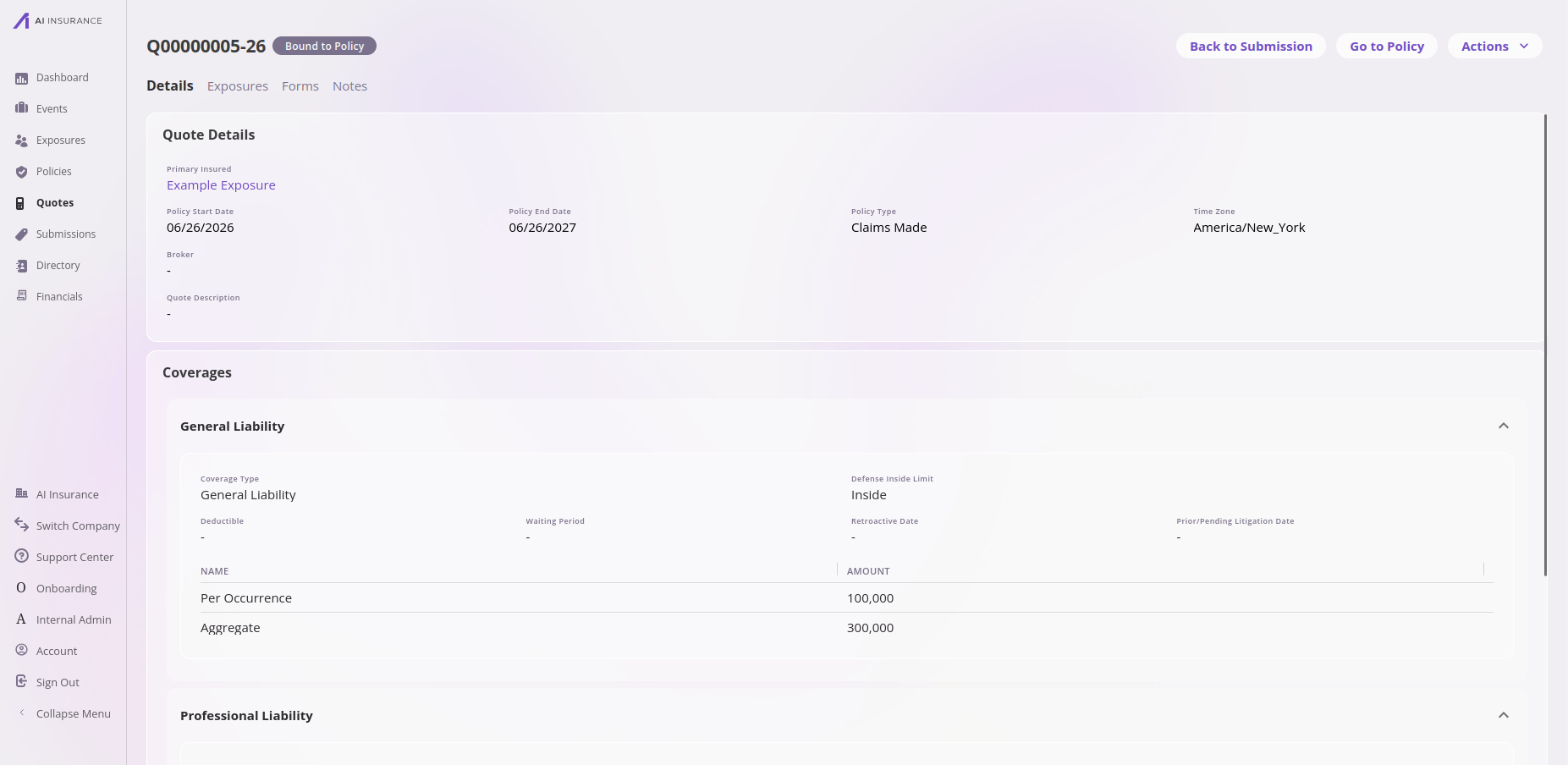
A quote in the app — its details and coverages, with actions to jump back to the submission or to the bound policy.
Working in the app? See the Quotes feature reference for the list view, detail tabs, statuses, and actions.
How its data works
A quote is a set of fields configured per company. The platform requires a handful — a system-assigned quote number, a status, and the primary insured’s name — and your configuration defines the rest, including the coverage structure and any custom fields. A quote’s status starts in progress and moves through your configured workflow. Pricing produces a rating result that’s stored on the quote. The quote also holds the proposed policy term (start and end dates), which carry over if the quote binds.What it connects to
The quote sits in the middle of the chain: Submission → Quote → Policy.
Every quote must belong to a submission — this is enforced. In the app, the
Create Submission button opens a new quote, and saving it creates the parent
submission and this quote in one step. (Use New Quote to add further quotes to
an existing submission.)Through the API,
referencingSubmission is required when you create a quote,
and it must name a submission that already exists. Create it first, then create
the quote against it. A create that omits the link, and an update that removes it,
both return 400 with problem code EntityInvariantViolation and the inner code
quote-has-submission. Nothing is created on your behalf — there is no
auto-generated wrapper submission.The link may be moved: repointing referencingSubmission at a different
submission is a normal edit, as is moving a quote between submissions from the
submission side. What is not allowed is leaving a quote with no submission at all,
so an edit that would unparent a quote is rejected. To get rid of a quote, delete
the quote.The one-way part matters: a submission with no quotes is perfectly valid for
its whole life. See Submission for the other side of this
flow.Files, Notes & Contacts
In the app, a quote has a Notes tab only (no Files or Contacts tabs). Note that the API is broader than the in-app tabs — see the overview.Technical reference
Technical reference
API. Managed through the unified entity CRUD surface as
quote. See the
Entities API overview.Framework-required fields.Additional fields are configured per company; discover them via the
/entities/quote/configuration endpoint.