
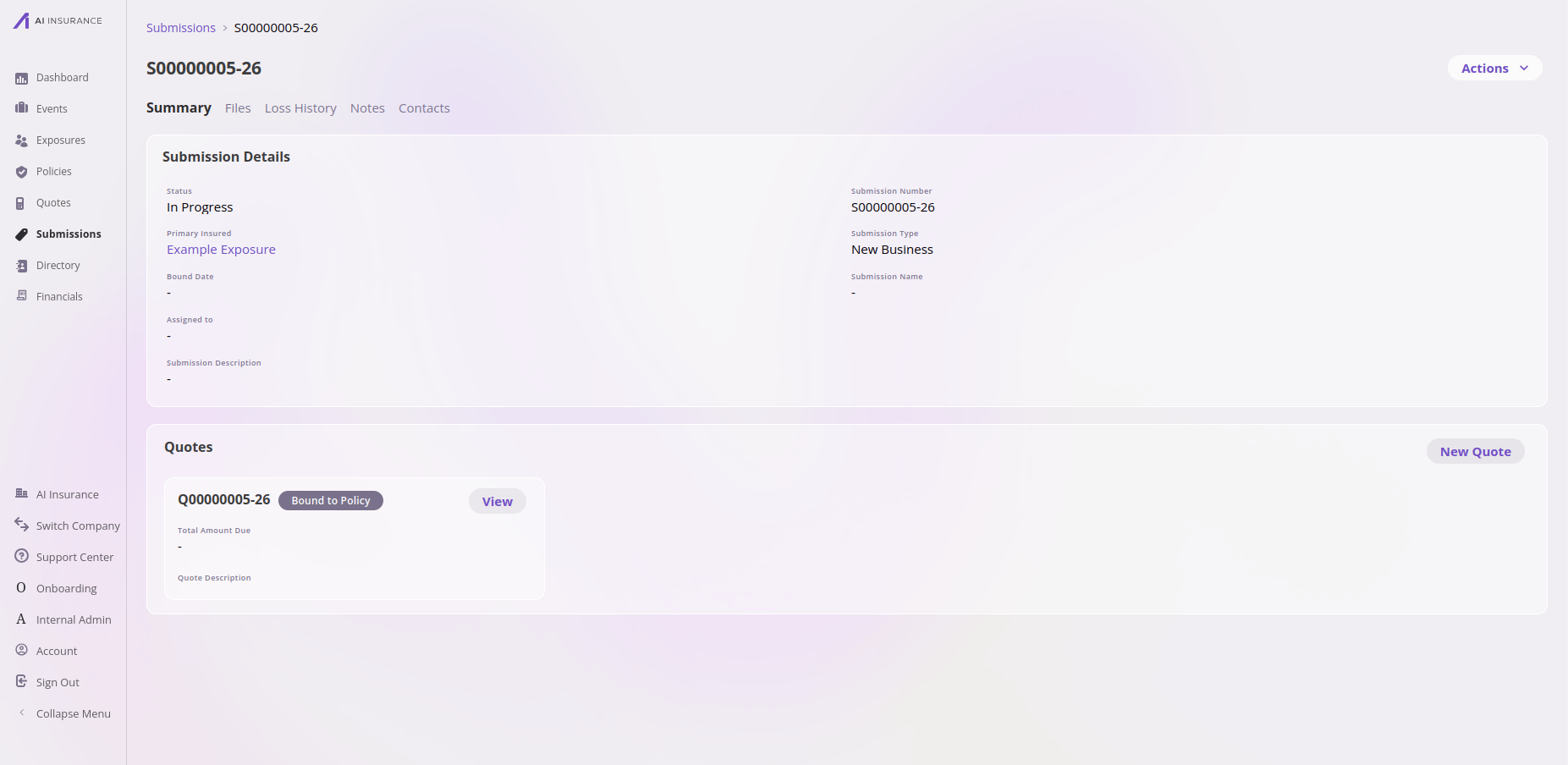
A submission in the app — the Summary tab, with its details and the quotes worked up from it.
Working in the app? See the Submissions feature reference for the list view, detail tabs, and actions.
How its data works
Like every top-level entity, a submission is a set of fields configured per company. A few are required by the platform — a submission always has a system-assigned number and a status — but everything else, including which details you capture about the request, is up to your company’s configuration. You can add as many custom fields as you need. A submission’s status moves through your configured workflow (it starts in progress), and it carries a submission number that the platform assigns automatically.What it connects to
The submission is the top of the chain: Submission → Quote → Policy.
Creating a submission in the app starts you on a new quote. The Create
Submission button opens a new quote, and saving it creates the submission and
that first quote together — exit without saving and neither is created. So in the
app, a submission comes into being alongside an initial quote.The data model is more permissive than that workflow: a submission is an
independent entity that can exist with no quotes (for example, created directly
through the API). The dependency only runs one way — every quote needs a
submission, but a submission doesn’t require a quote.
Files, Notes & Contacts
Submissions support all three shared tabs: you can upload files, record notes, and attach contacts (people from the directory, such as the broker who sent the submission in).Technical reference
Technical reference
API. Managed through the unified entity CRUD surface as
submission. See the
Entities API overview.Framework-required fields.Additional fields are configured per company; discover them via the
/entities/submission/configuration endpoint.