
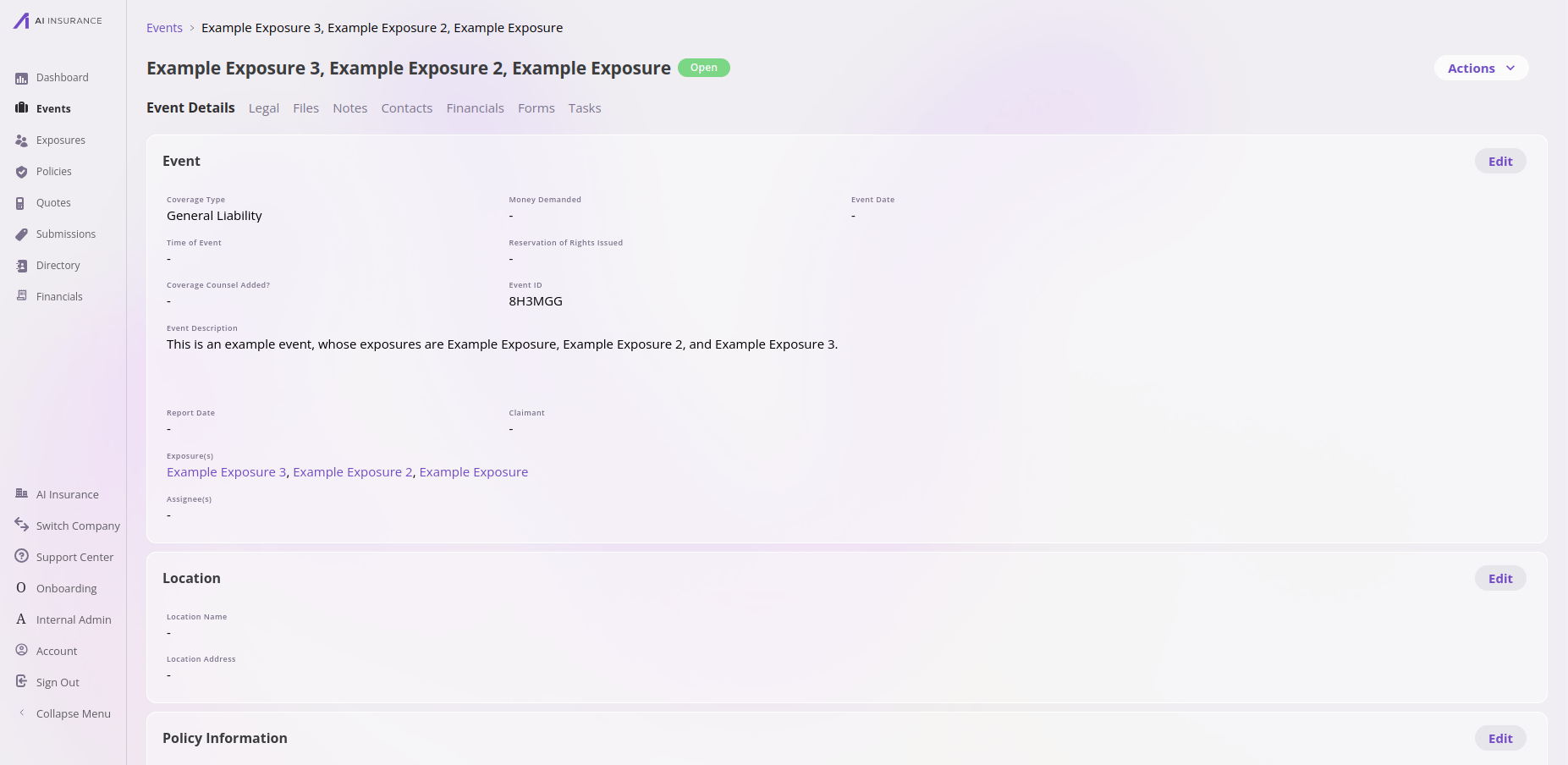
An event in the app — event details, including the exposures it references and its system-derived name.
Working in the app? See the Events feature reference for the list view, detail tabs, and actions.
How its data works
An event is a set of fields configured per company, and events are the most open-ended of the entities: beyond the platform’s required fields, you can add and edit any fields you like, with essentially no constraints. The platform requires a type, a status, an auto-assigned reference id, and a name (which it derives for you), and your configuration defines everything else — dates, amounts, coverage details, and any custom fields. An event’s status starts open by default, and its name is generated by the platform from the exposures and claimant involved — and keeps following them as they change, until someone renames the event. In the app, the Actions menu at the top right of an event collects the lifecycle operations — closing and re-opening, converting between claim and incident, renaming, generating forms, and deleting. See Event actions.What it connects to
Files, Notes & Contacts
Events support all three shared tabs: upload files, record notes, and attach contacts (people from the directory, such as the claimant or adjuster).Technical reference
Technical reference
API. Managed through the unified entity CRUD surface as
event. See the
Entities API overview.Framework-required fields.Additional fields are configured per company; discover them via the
/entities/event/configuration endpoint.