
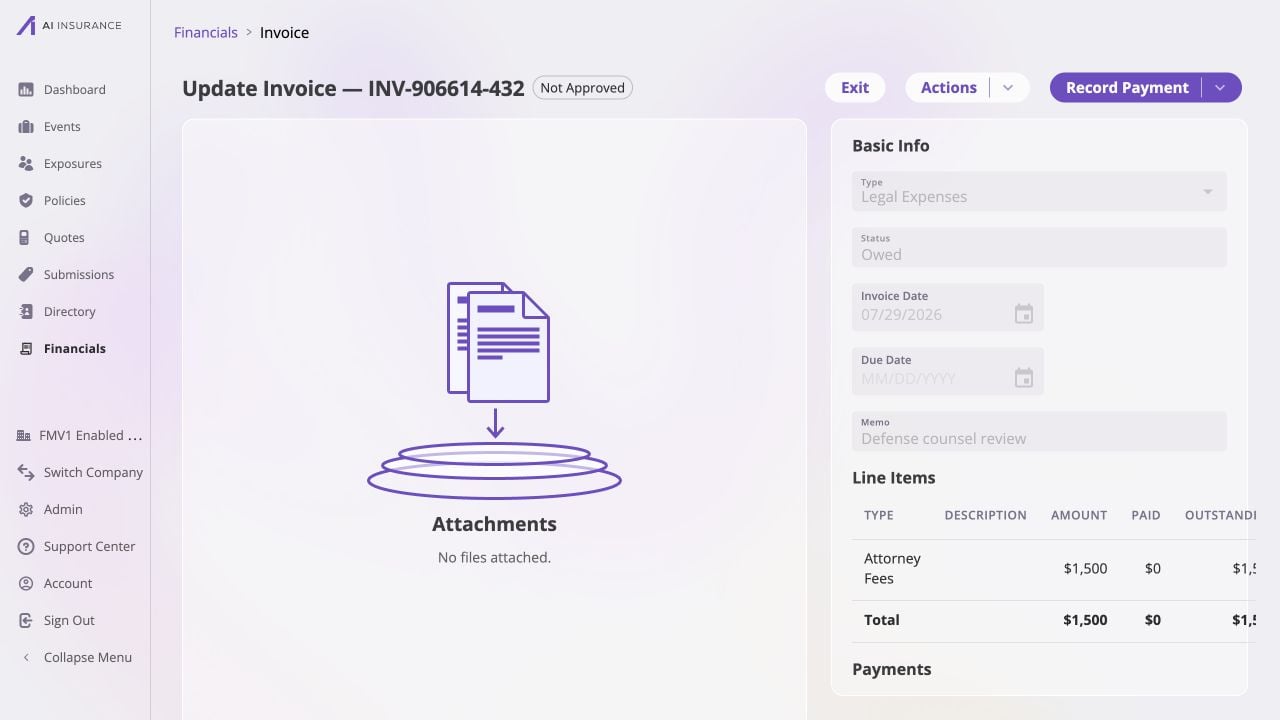
An Owed invoice in its normal read mode. The header shows approval and actions, while the record keeps its dates, memo, attachments, line items, totals, and payment history together.
Read Mode and Edit Mode
Normal invoices open in read mode. Actions → Edit opens the editable form; Save commits its pending changes and Cancel discards them. The fields available in each state are intentionally different.Draft- and parsing-specific details are outside this page reference. They do
not change the read/edit controls described here.
Header, Approval, and Lifecycle Actions
The header shows the invoice number, current status, and approval badge. Actions presents the actions available for the current record, including editing, running a bill review, approval or unapproval, payment reversion where applicable, and voiding. Available actions vary with the lifecycle state and the user’s approval authority; Approvals describes that authority.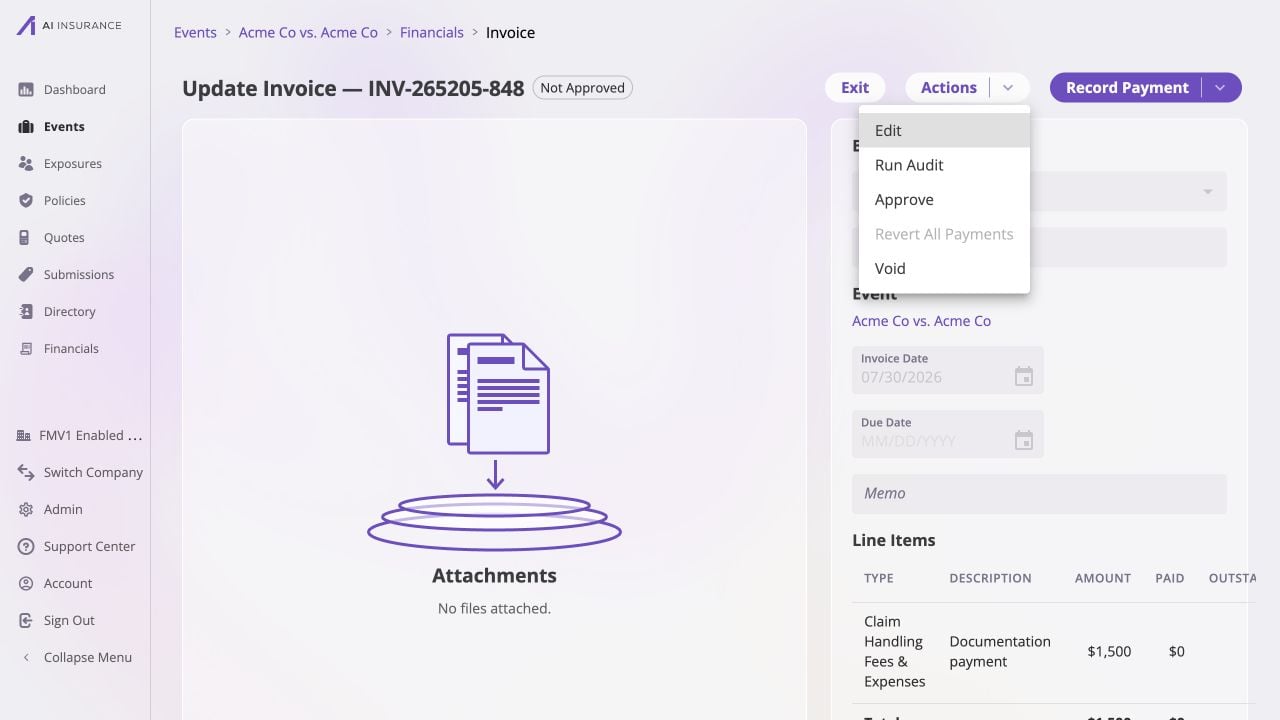
The Actions menu on an Owed invoice. Available choices reflect the invoice state and the user's approval authority.
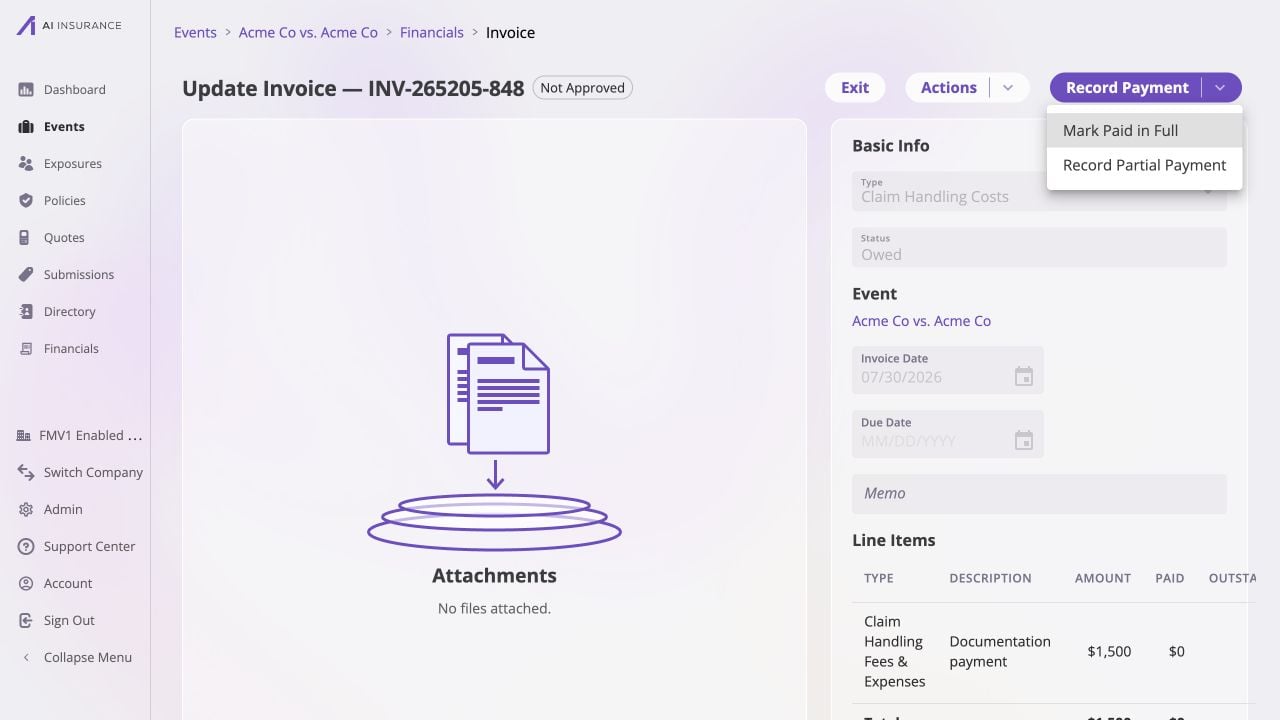
The Record Payment menu on an Owed invoice, offering full and partial payment paths.
Frozen and Ended States
Use Void only when the invoice should remain visible for financial audit
context but no longer be active. Use the visible confirmation before the action;
the Invoice Lifecycle explains the resulting state.