
Open Financials → Import Invoices to bring invoice documents into Financials.
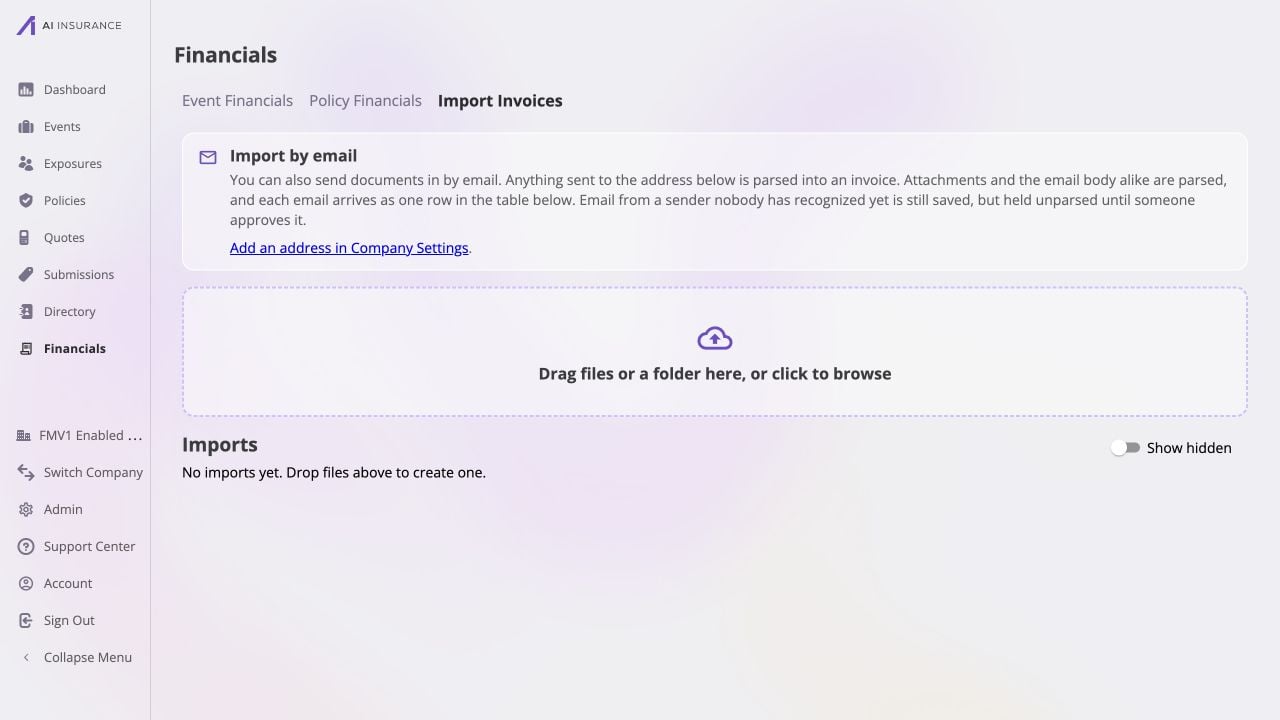
Company Financials Import Invoices tab showing email intake guidance, the invoice document dropzone, and an empty Imports list.

The Import Invoices tab combines email intake, a file dropzone, and the list of invoice import runs.

Ways to Import

  • Email intake uses the invoice address configured in Company Settings. Attachments and the email body are parsed as one invoice import. Mail from an unrecognized sender is retained but held for approval before parsing.
  • File upload accepts invoice PDFs and supported image formats. Drag files or a folder into the dropzone, or select it to browse.

Import Runs

Each upload or inbound email appears in Imports while it is processed. A successful parse creates a draft invoice that can be reviewed before it posts to the books. Use Show hidden to include runs that were removed from the default view. The example company has no import runs yet, so the screenshot shows the clean starting state. Return to Company Financials for the other workspaces.