
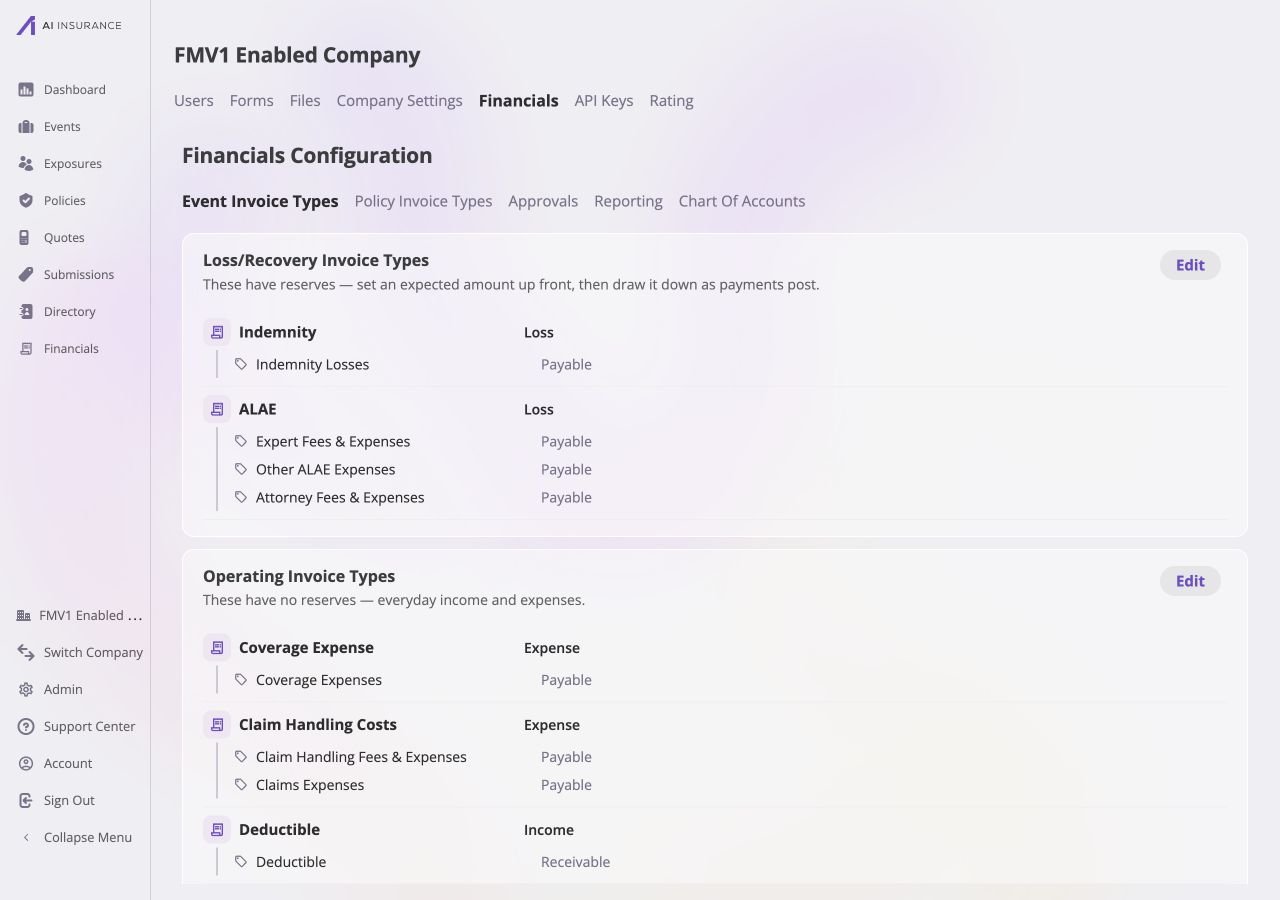
Financials Configuration opens on Event Invoice Types. The tabs separate transaction structure, approval authority, export signs, and generated accounts.
Configuration Areas
Invoice Types and Line Items,
Approvals, and Reference
Frames explain the rules behind these settings.
Where Settings Apply
- Company Event Financials uses Event Invoice Types to build Overview Report rows, filters, and column values.
- The Event Financials Tab uses the same types and adds per-event reserve controls.
- Policy Financials defines the vocabulary named by Billing Aggregates. Payment and payee defaults seed new invoice plans; changing settings does not rewrite saved plans or issued invoices.
- Reporting controls the signs used when either workspace exports data or supplies financial values to another output.