
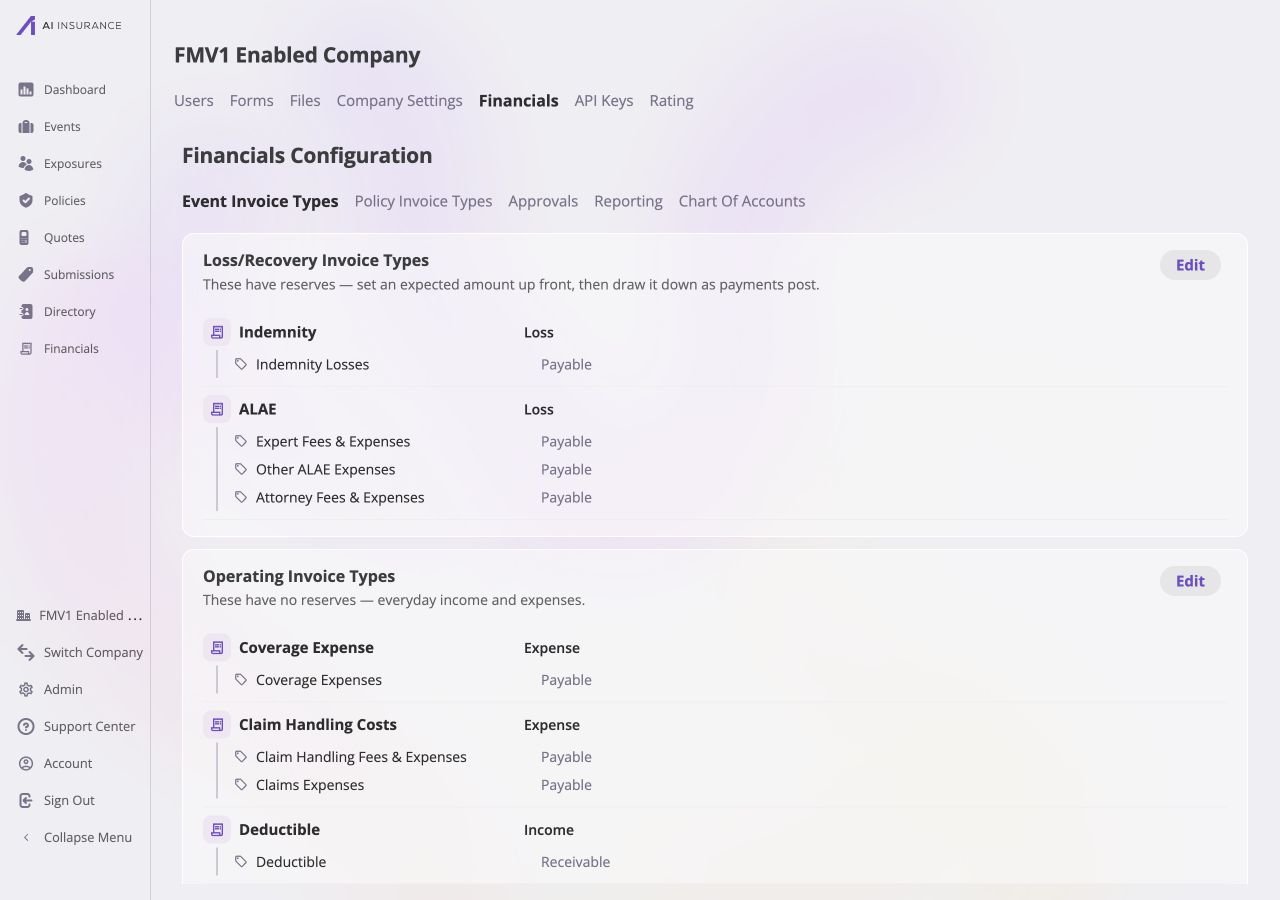
Open Admin → Financials → Event Invoice Types. This Financials Configuration area defines the event-side categories available on invoices and in Overview Reports.
Event Invoice Types configuration in read mode, listing Loss or Recovery and Operating invoice types with their nested line items and expected directions.

Event Invoice Types in read mode. Both Loss/Recovery and Operating cards show the configured types, nested line items, and their current directions.

Two Structural Kinds

The page keeps two separate cards:
  • Loss/Recovery Invoice Types carry reserves. Med-mal examples include Indemnity and ALAE.
  • Operating Invoice Types do not carry reserves. Examples include coverage expense, claim handling fees, and deductible income.
An Invoice Type remains in the structural kind in which it was created; it cannot be moved between the two cards. Invoice Types and Line Items explains why reserve behavior is structural.

Read and Edit States

Each card normally lists its Invoice Types and nested Line Item Types in read mode. Select Edit on one card to edit that card only. While it is open, the other card remains read-only; only one card can be edited at a time. Save commits the card’s changes and returns it to read mode. Cancel discards that card’s pending edits. There is no page-level save control. The form keeps Save unavailable until every required name is present and every Invoice Type has at least one Line Item Type.
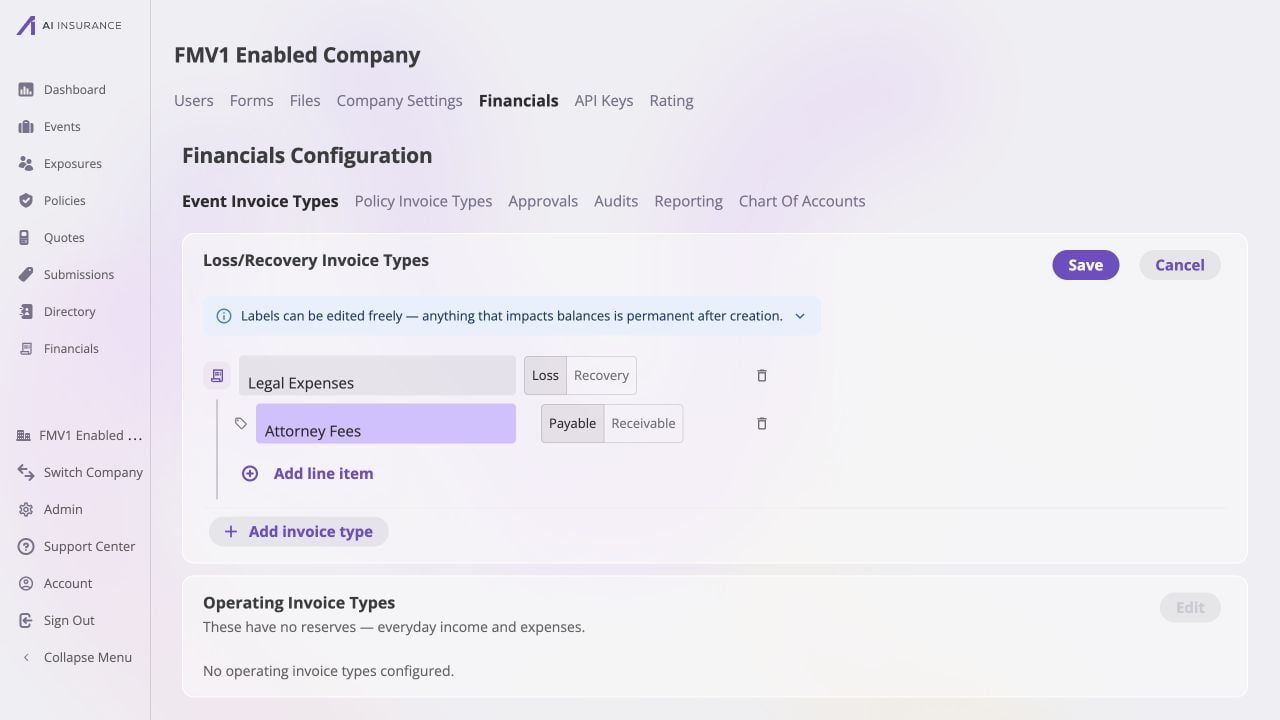
Event Invoice Types edit card for Legal Expenses with Loss or Recovery direction, an Attorney Fees payable line item, Save and Cancel controls, and an Add invoice type control.

One Event Invoice Types card in edit mode. Edit, Save, and Cancel apply to that card, not the whole configuration page.

Names and Directions

The page writes these directions into the available invoice choices. Expected Direction describes how a configured direction is used when entered activity differs from the expectation.

Adding, Deprecating, and Restoring

Use Add invoice type to add a type to the current structural card, then add its line item types with Add line item. New items must be named before the card can be saved. An unused type or line item can be deleted outright. A type or line item that has been used by an invoice cannot be deleted; mark it deprecated instead. A deprecated entry remains visible for historical records but is unavailable for new selections. Use Restore to make a deprecated entry available again. Configured types form the rows in the Company Event Financials Overview Report and the Event Financials Tab Overview Report. They also control the choices on New Invoice.